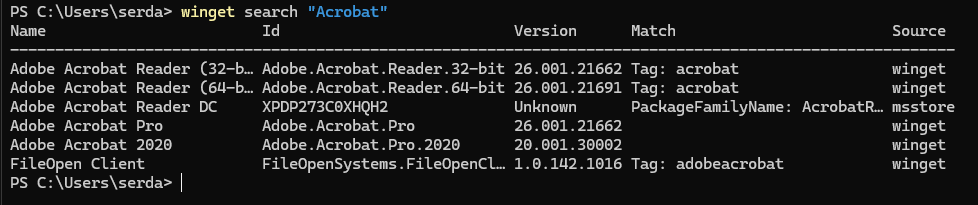
WinGet search output for the term “Acrobat”. The Id column shows the name to use with the winget install command.
Foundry
Installing a WinGet package is simple enough:
winget install <package_id>where <package_id> is the Id (not the name!) of the package to install. For Adobe Acrobat Reader, as per above, you would enter:
winget install Adobe.Acrobat.Reader.64-bitIf you want a nice GUI for your package management workflow, look into UniGetUI. UniGetUI manages packages for multiple package management sources — WinGet, Scoop, Chocolatey, npm, pip, Cargo, and many more.